

Plugin install and updates
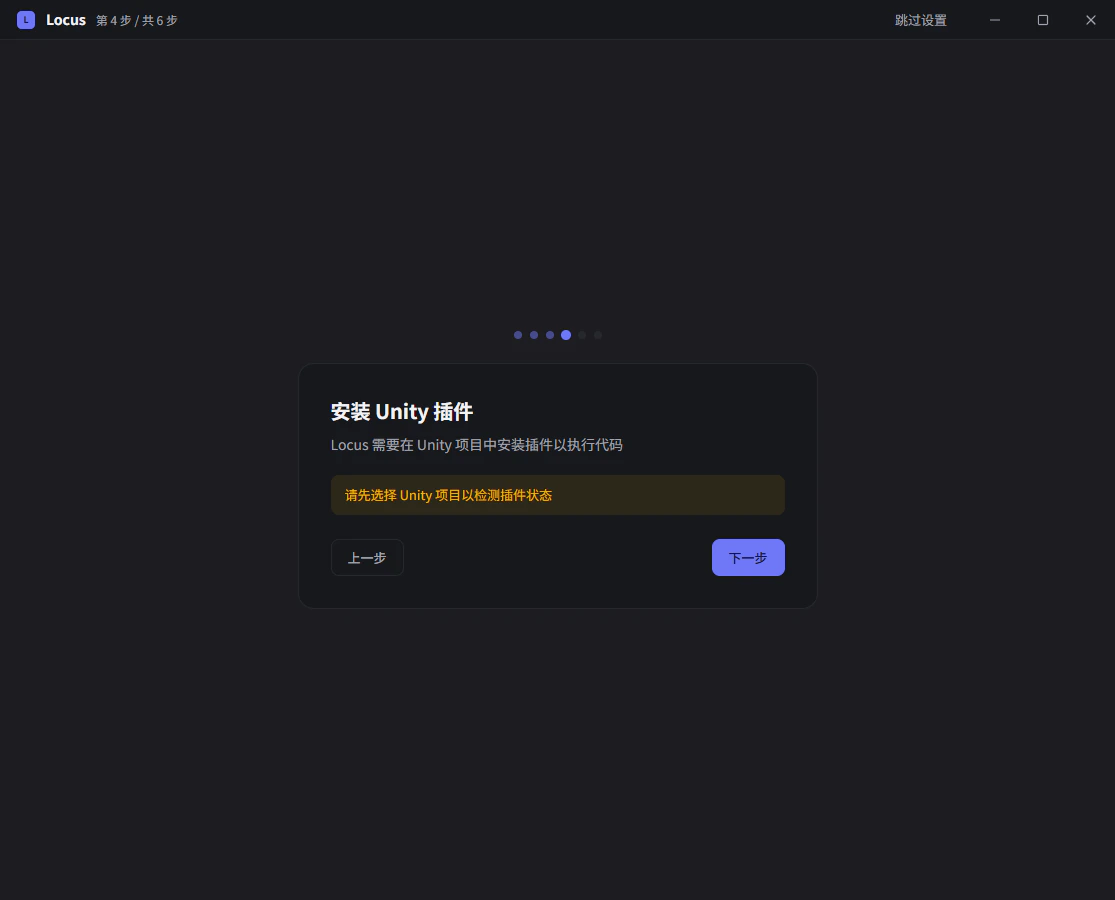
Packages/com.farlocus.locus by default. When an older Assets/Locus install is detected, clicking update migrates it to the new package path automatically. The first install happens in the onboarding flow; after that you can install from the session page at any time.
After a Locus upgrade, if the plugin in the project has fallen behind, the Unity status indicator shows Plugin needs update; click it to update (when not installed it shows Plugin not installed and Click to install). When an update has to replace DLLs Unity has already loaded, Locus asks for confirmation with Update after closing Unity: it closes the current Unity project first, then reopens it once the update completes.
Connection states
The Unity status indicator above the session composer shows the current connection:Unity Editor disconnected: no running editor detected. File-level work (reading and writing code, asset analysis) is unaffected, but in-editor operations are unavailable.Unity Editor open, waiting for connection: the editor process is running but the plugin handshake has not finished; right after installing the plugin, Unity needs to complete one compile first.Unity Editor launching/Unity Editor launched, waiting for connection: transitional states after launching Unity from Locus.- Connected: the indicator switches to a semantic state showing what Unity is doing:
Unity editing,Unity playing,Unity paused,Unity reloading, and so on.
Editing everything works. In Playing and Paused the Agent can still execute code and read runtime state, which suits tuning while you play. Reloading and Compiling mean the editor cannot take commands for the moment; Locus waits for it to recover on its own, with no intervention needed. When a script change triggers a recompile, the indicator shows Unity recompiling, waiting for reconnect.
Status panel
Click the status indicator to expand the details panel: process information, the currentScene, communication Latency, and the state of subsystems such as Native bridge, State probe, and Background Hook (their meaning is covered in Runtime state and background operation). The Operation safety row on the panel says whether this is a good moment to call Unity.
Quick actions:
Launch: when Unity is not running, start the current project straight from Locus.Recompile: on theUnity hot reloadpanel, trigger one Unity recompile manually and wait for the editor to reconnect. See Hot reload.
Embedded editor window
Window > Locus in the Unity menu opens an embedded window for talking to Locus inside Unity, for workflows where you would rather not switch windows.
Two companion menu items send editor content to Locus: with an asset selected, use Assets > Send to Locus; with a scene object selected, use GameObject > Send to Locus. The selection appears in the Locus composer as a reference.
Editor extensions can also call the public API and choose whether the references go to the focused session or a new session:
FocusedSession. NewSession switches to a new session draft, attaches the current Unity selection there, and leaves the existing session unchanged.
Pass local files and folders explicitly with LocusFileAttachment:
false when none remain.