

Back up your project files before letting Locus modify anything.
AI agents can produce unexpected results—use them with care.
AI agents can produce unexpected results—use them with care.
Configure Model Services
Locus needs a remote AI service as its inference engine. The chosen model’s performance directly determines how well Locus works.Currently supported subscriptions and message formats:Aside from calls to your configured model provider, Locus runs entirely on your machine—nothing else leaves it. We recommend the official installer. On first launch, the app drops you into the onboarding flow automatically.
- OpenAI subscription
- Anthropic subscription (Anthropic explicitly bans third-party clients from accessing its subscription—use at your own risk.)
- OpenAI Response API
- Anthropic Messages API
- OpenAI Chat Completions API
Select a Project and Install the Plugin
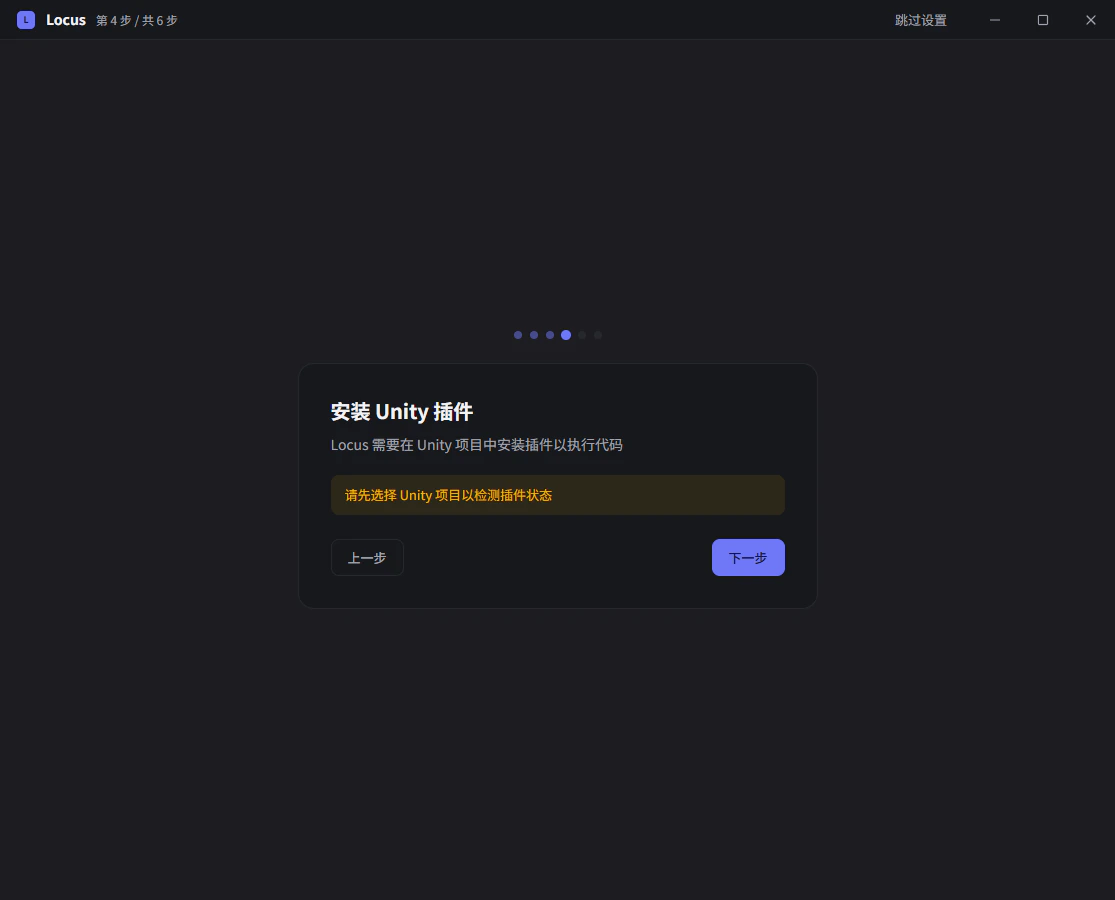
Packages/com.farlocus.locus by default. If we find an older Assets/Locus install, clicking Update migrates it to the new package path.
Version Control / Git Configuration
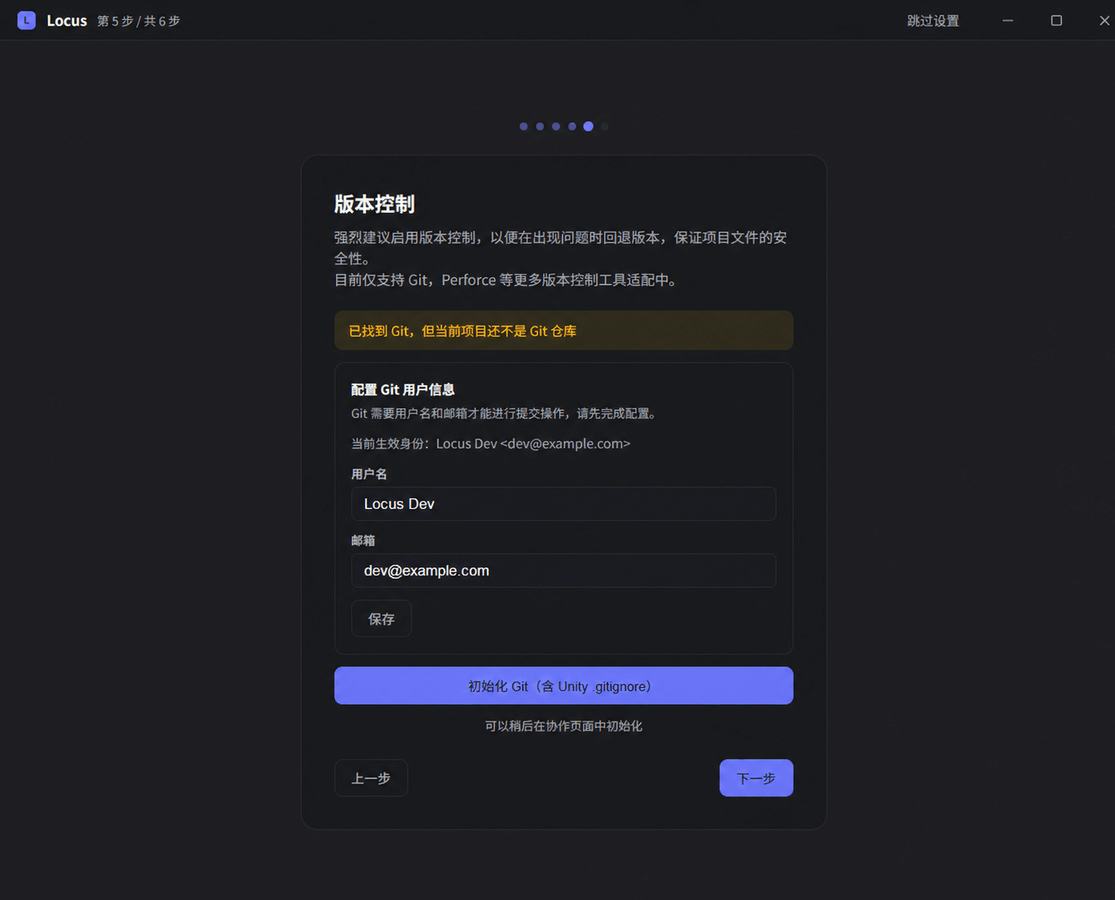
Perforce (P4) and SVN support is planned. Today, only Git is supported.
Scan the Asset Database
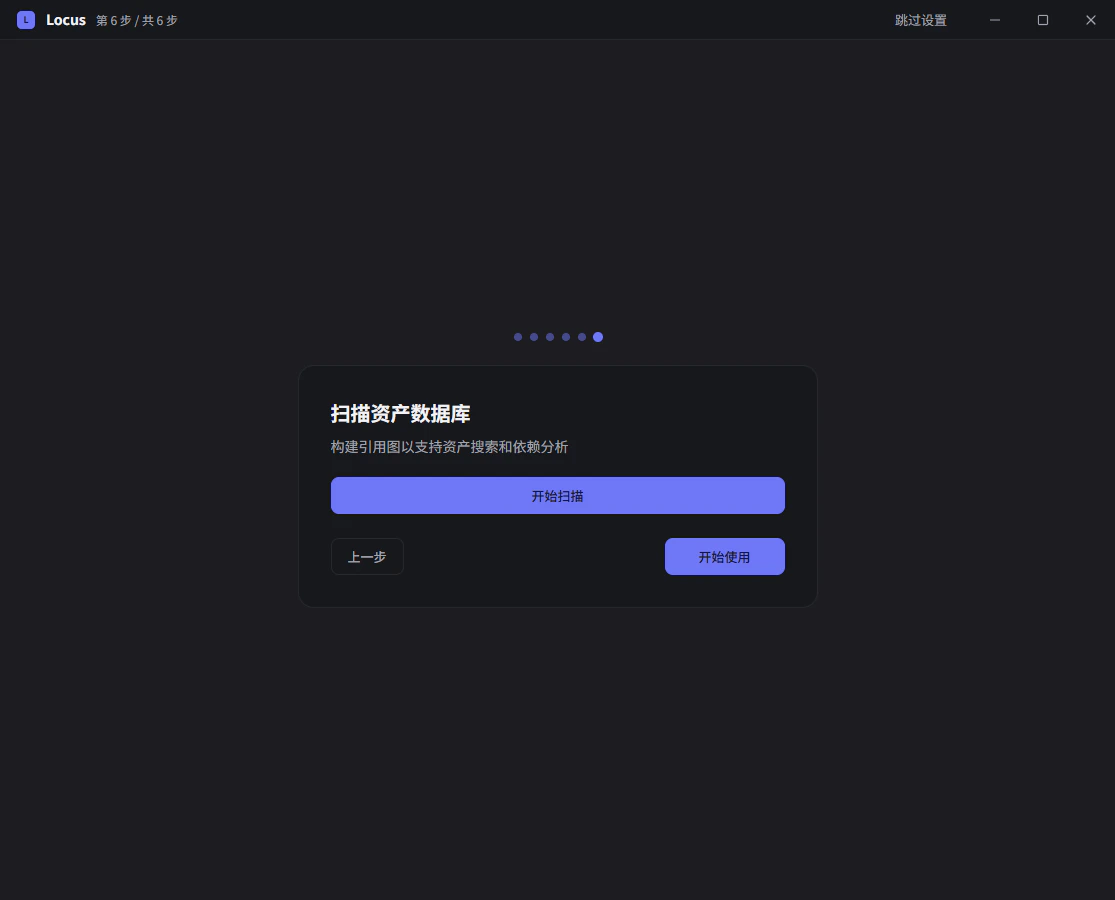
Try Your First Conversation
Back up your project files before letting Locus modify anything.
AI agents can produce unexpected results—use them with care.
Setup is done. You can revisit any of the above on the Settings page later.
You can also open the embedded editor window in the Unity Editor through AI agents can produce unexpected results—use them with care.
Window > Locus.
Try one of these to start:
- Analyze the project’s code structure and call out anything worth refactoring.
- Build a 2D platformer: write a simple jump controller and drop a few test platforms into the current scene.
- Commit my pending changes to Git in batches.
- Cartoon-style custom render pipeline: draft a plan, then execute once I’ve reviewed it.
- Localize the description strings on every
Itemasset and write the results into a table.